

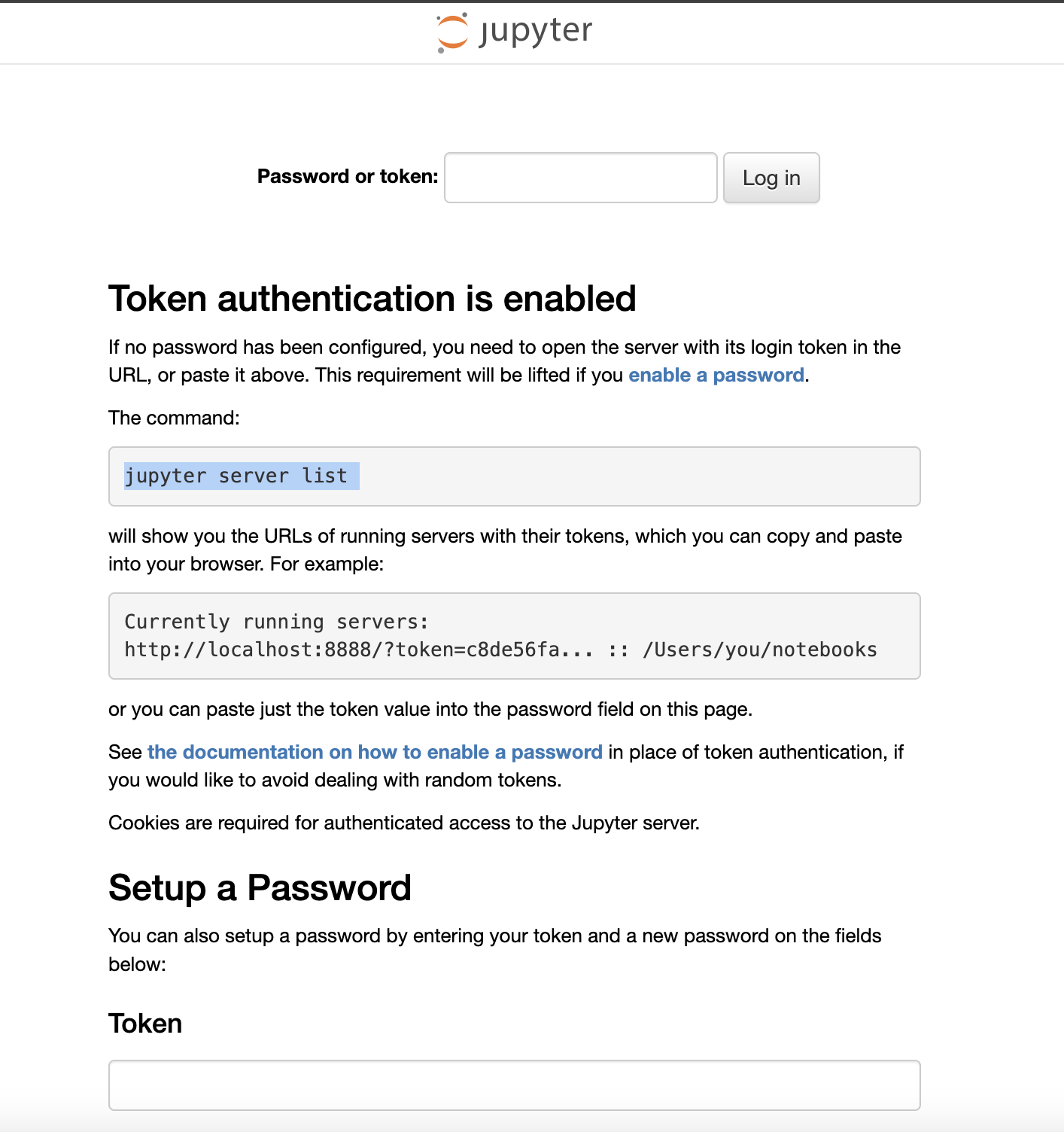
If you see a “Token authentication is enabled” screen when trying to access your Pod’s JupyterLab server, follow the steps below to log in.Documentation Index
Fetch the complete documentation index at: https://runpod-b18f5ded-promptless-github-integration-timeout-clari.mintlify.app/llms.txt
Use this file to discover all available pages before exploring further.
- Go to the Pod page in the Runpod console and click the Connect button for the Pod you want to access.
- Look for the Web Terminal start button.
- Click Start, then open the web terminal.
-
In the terminal, run the following command to get the JupyterLab server token:
= sign, such as ua5nw5fwkdzseqpp5apj in the example above.
Copy this token, return to your JupyterLab login page, and paste it into the Token field to sign in.